Behavior Tracking
Track user behaviors without traditional event tracking
Because Human Behavior can watch every session with AI, it can track specific user behaviors which it observes, allowing you to quickly identify feature usage and quantify complex patterns without requiring granular event instrumentation. Simply navigate to the "Behaviors" page to see and manage behaviors.
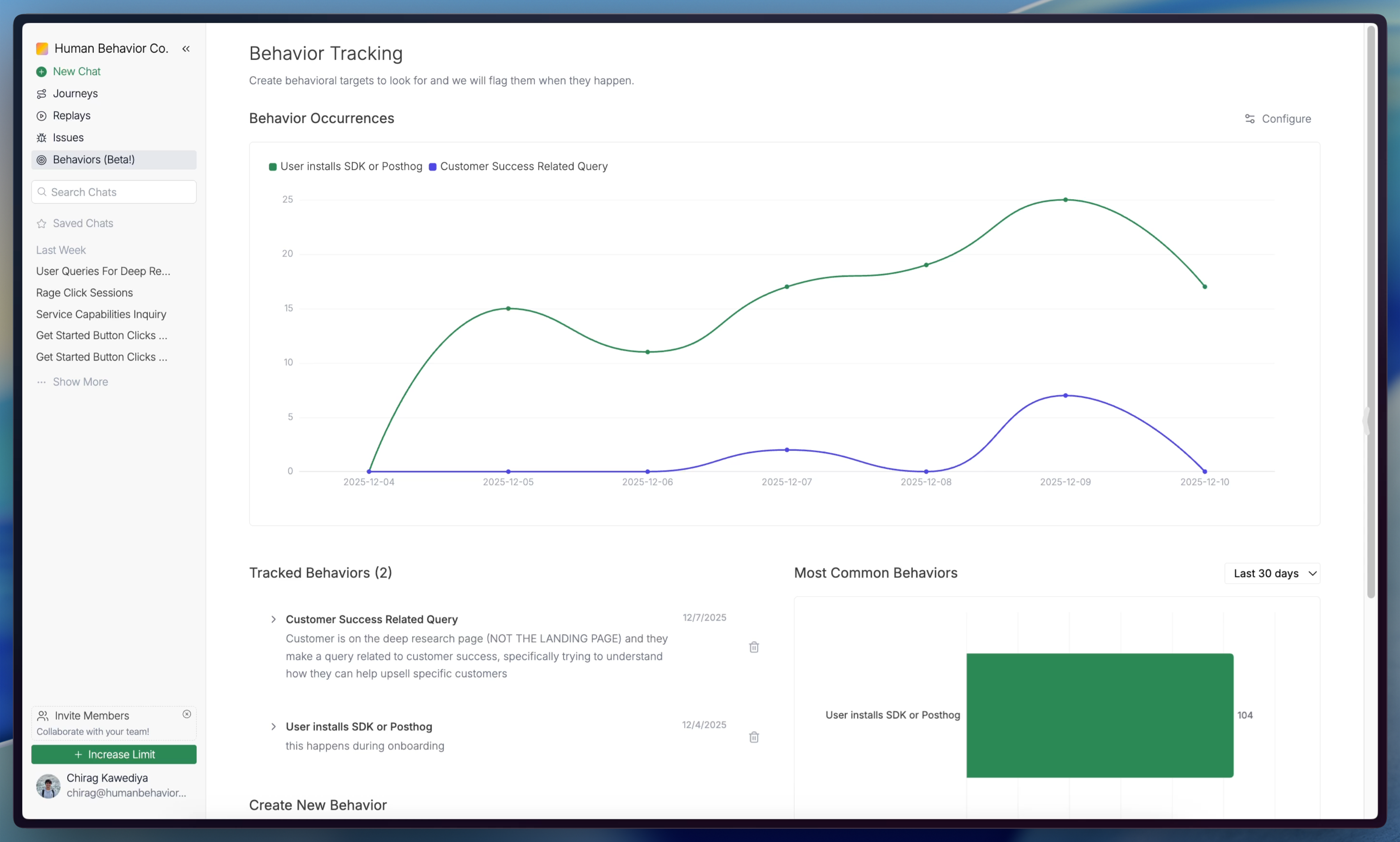
Add New Behaviors to Track
The AI needs to be instructed to track specific behaviors to prevent noisy alerts. To add behaviors, simply navigate to "Create New Behavior" and add a name and description. When you click "Create", the AI will now start watching for that behavior in all subsequent sessions.
This description will be used by the AI to understand what to look for. Be specific, clear, and descriptive! The more specific your description, the higher the accuracy.
(Optional) Trigger Events
Human Behavior automatically maps your UI, tracks changes, and captures user interactions. You can use these elements to indicate behaviors with no code!