Set Filters
Choose which sessions are analyzed by the AI.
Naturally, there are some parts of your product that you have more concerns about. You can set filters to control which sessions are analyzed by the AI, so that you get the most relevant insights. You can configure this in the "Personalize AI Output" modal on the Deep Research page.
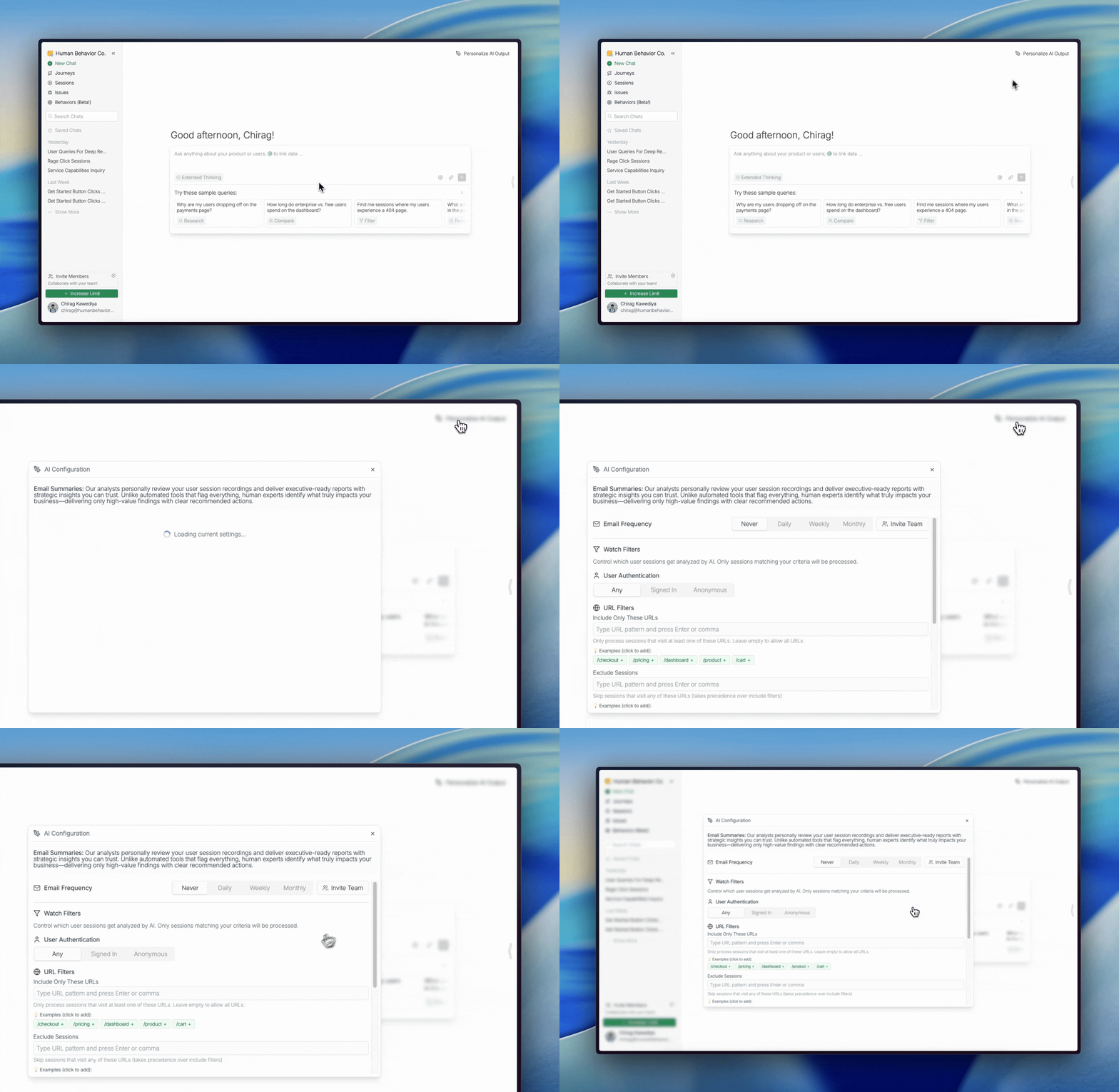
The button appears when you're in an empty conversation (no messages yet). If you don't see it, start a new conversation by clicking the "New Chat" button in the top-left.
Click Save Preferences to save your changes.