Ask Home, then verify the evidence
Use Home for a plain-language answer, then follow every important claim into Dashboard, Replays, or Issues so you trust the result.
Home is useful when it is grounded. This guide is the loop: ask a real question, follow the links, and only then treat the answer as something you can act on.
Before you start
- Project has data (verify).
- You have a question about your product (“which pages did people leave yesterday?”), not a meta question about how Home works.
Ask a concrete question
Open Home. Prefer questions that name a time range and a surface of the product:
What pages did people leave from most often in the last 7 days?Which open runtime issues affected the most users this week?Avoid vague prompts like “how are we doing?” until you know which metric you care about.
Home answers in plain language and should link into Dashboard, Replays, Visitors, Issues, or Funnels.
Follow every important claim
Treat each link or citation as mandatory:
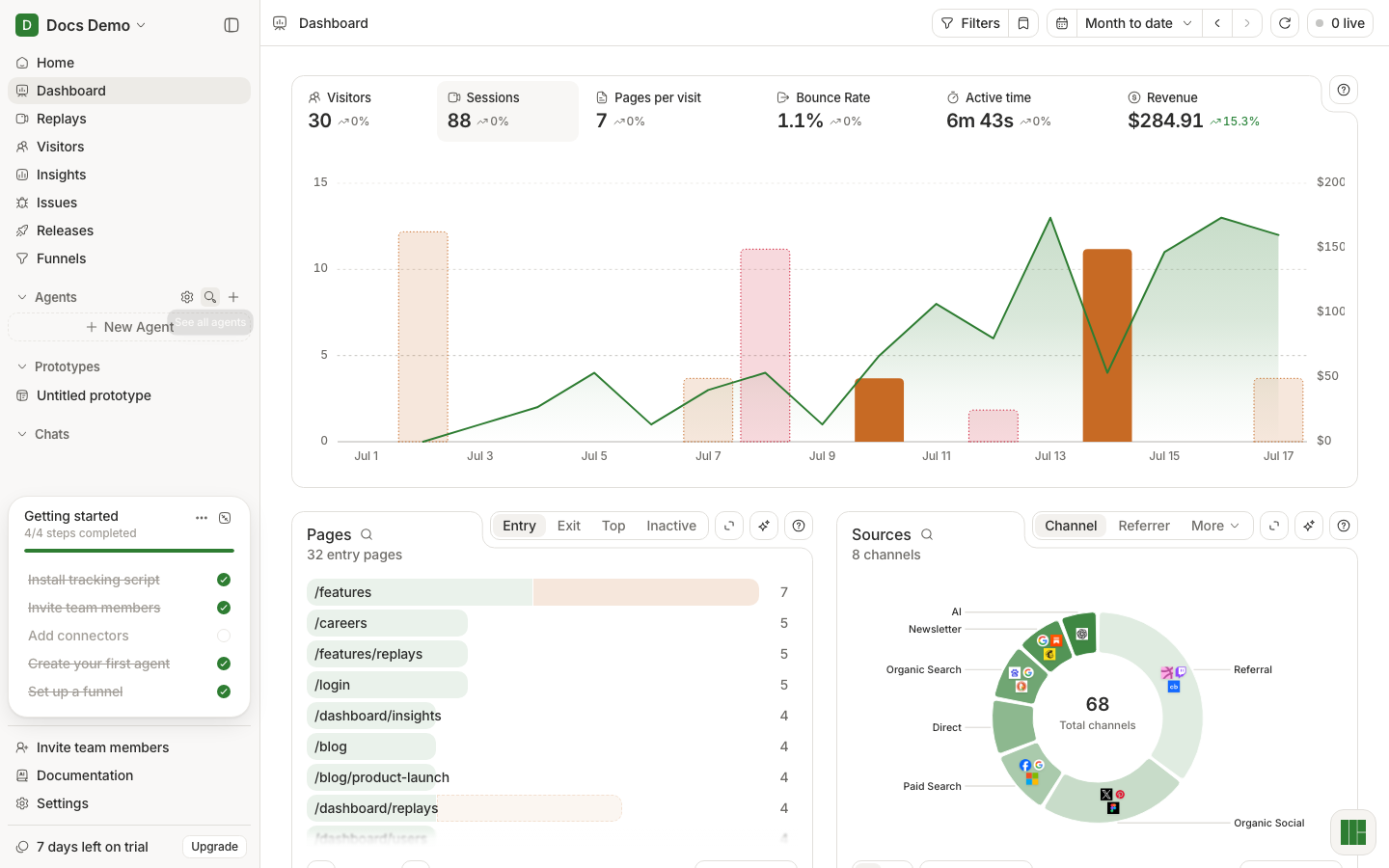
- Open the linked Dashboard / Issues / Replays view.
- Confirm the range and filters match what you asked.
- For user-path claims, open at least one replay.
- For error claims, open the issue and a linked replay.
If you cannot verify a claim in the UI, do not ship a decision on it — ask Home a narrower follow-up or inspect the surface yourself.
What good looks like
- You have an answer you can repeat without Home open.
- You personally opened the evidence for the one claim that would change a product or support decision.
If it did not work
- Home is empty or generic — not enough data, or the question is too broad.
- Links do not match the answer — re-ask with an explicit range; check you are in the right project.
- You wanted a recurring job — that is an agent, not a one-off Home thread.
Next
Turn a repeated Home question into Create an agent that does real work, or keep investigating with explain a dip.
Home chrome reference: Home.