Agents
Saved workers that run against your project data on a schedule and tell you what they found.
A chat in Home is disposable. An agent is the same capability made permanent: instructions, the tools it may use, when it runs, and where it reports.
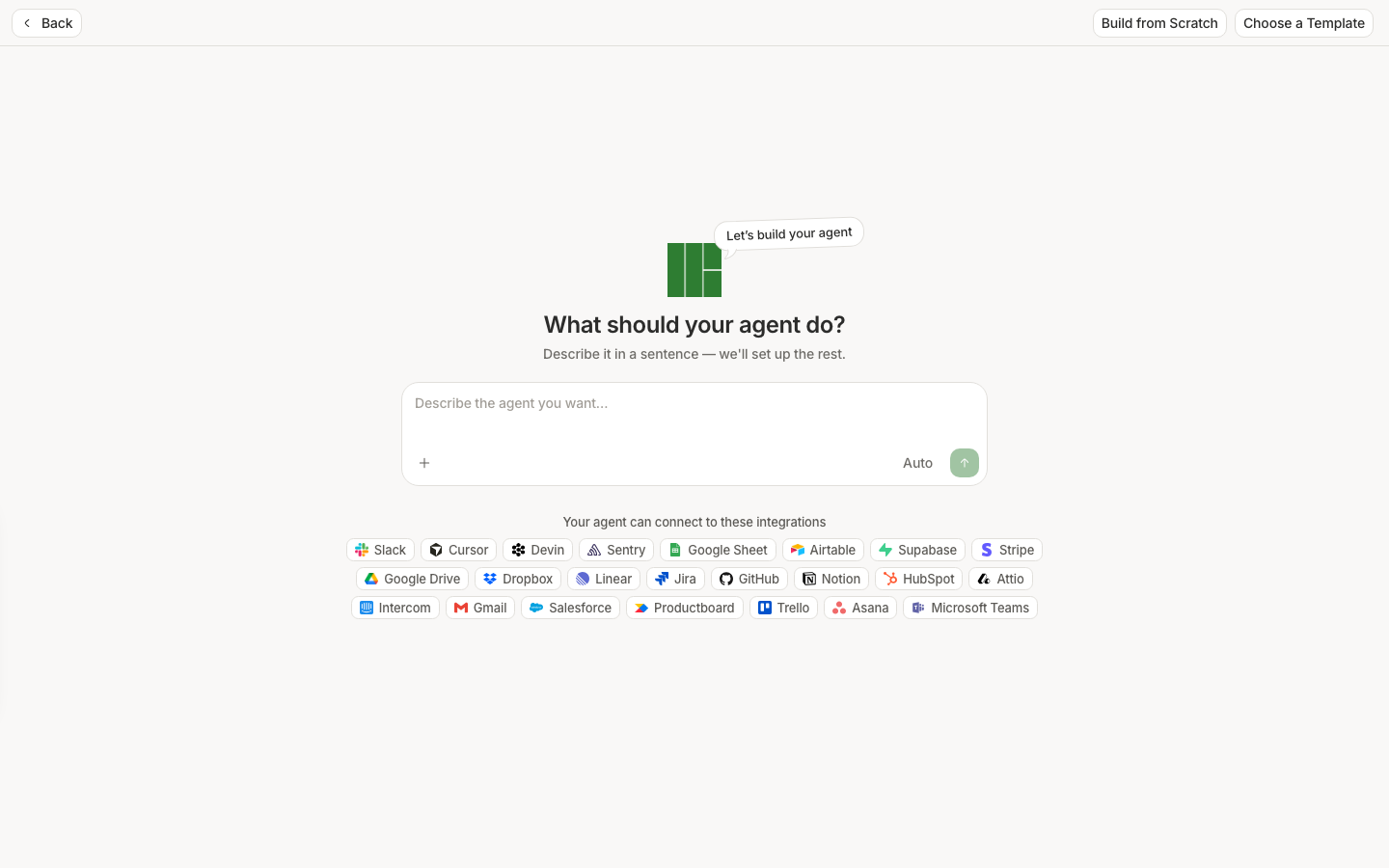
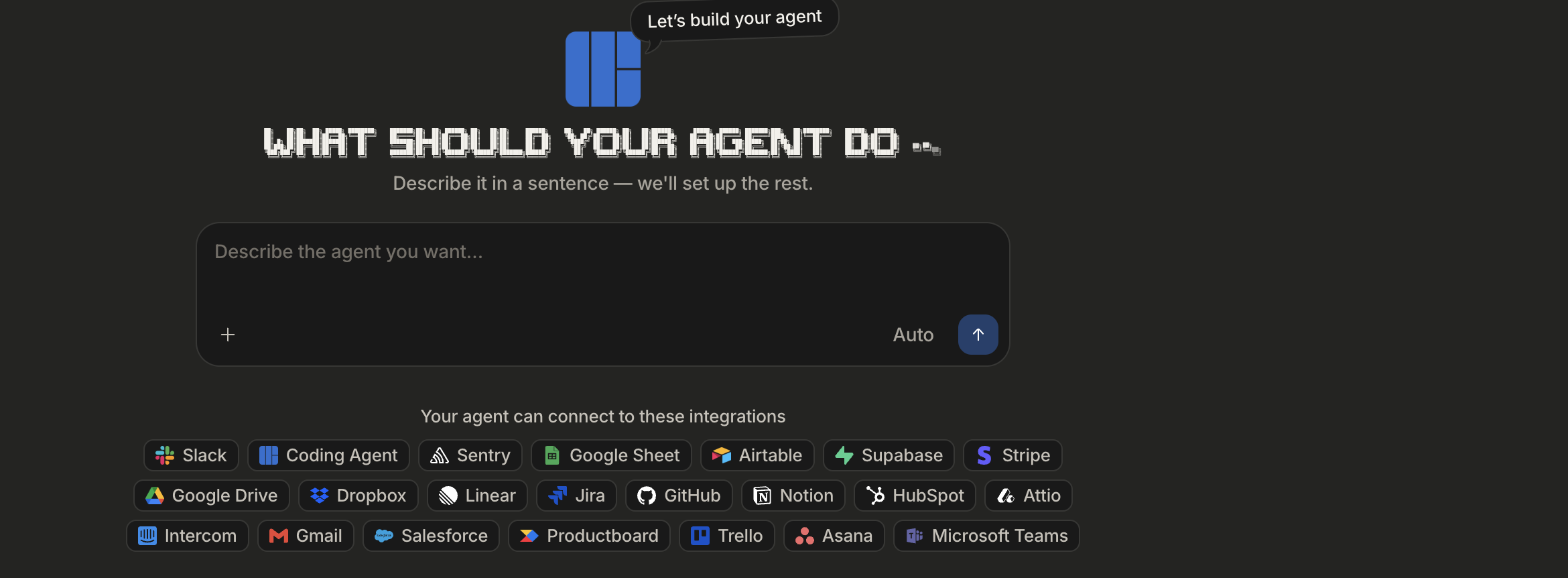
Describe the job, don't fill in a form
The fastest path is prompt-first: write what you want in one sentence and let the builder draft the name, instructions, and a sensible set of tools. Then correct what it got wrong before saving.
Every Monday, summarise rage clicks on checkout and link the worst replays.
Choose a Template if something close already exists, and Build from Scratch when you want every field yourself.
What an agent is made of
- Instructions — the job, in plain language. Specific beats clever.
- Tools — what it may read: analytics, replays, issues, funnels, users.
- Schedule — when it runs, if it runs on its own.
- Channels — where the output goes.
It reaches you where you already are
An agent that reports into a page nobody opens has not helped. The builder lists the integrations an agent can connect to, so findings land in Slack, or an issue tracker, or your inbox — not in a tab you have to remember to check.
Make them narrow
One agent per question, worded like an assignment. "Watch checkout conversion and tell me when a step drops more than 10% week over week" is an agent. "Monitor the product" is not — it will produce something technically true every week that nobody reads.
Test a run before you trust the schedule, and read the run output the way you read a Home answer: follow the citations.