Replays
Watch what one person actually saw and did, with the technical record lined up beside it.
A replay is not a video of a person. It is a reconstruction of the DOM they saw, rebuilt from recorded mutations — which is why it stays sharp at any size and why you can read the console and network activity from the same moment.
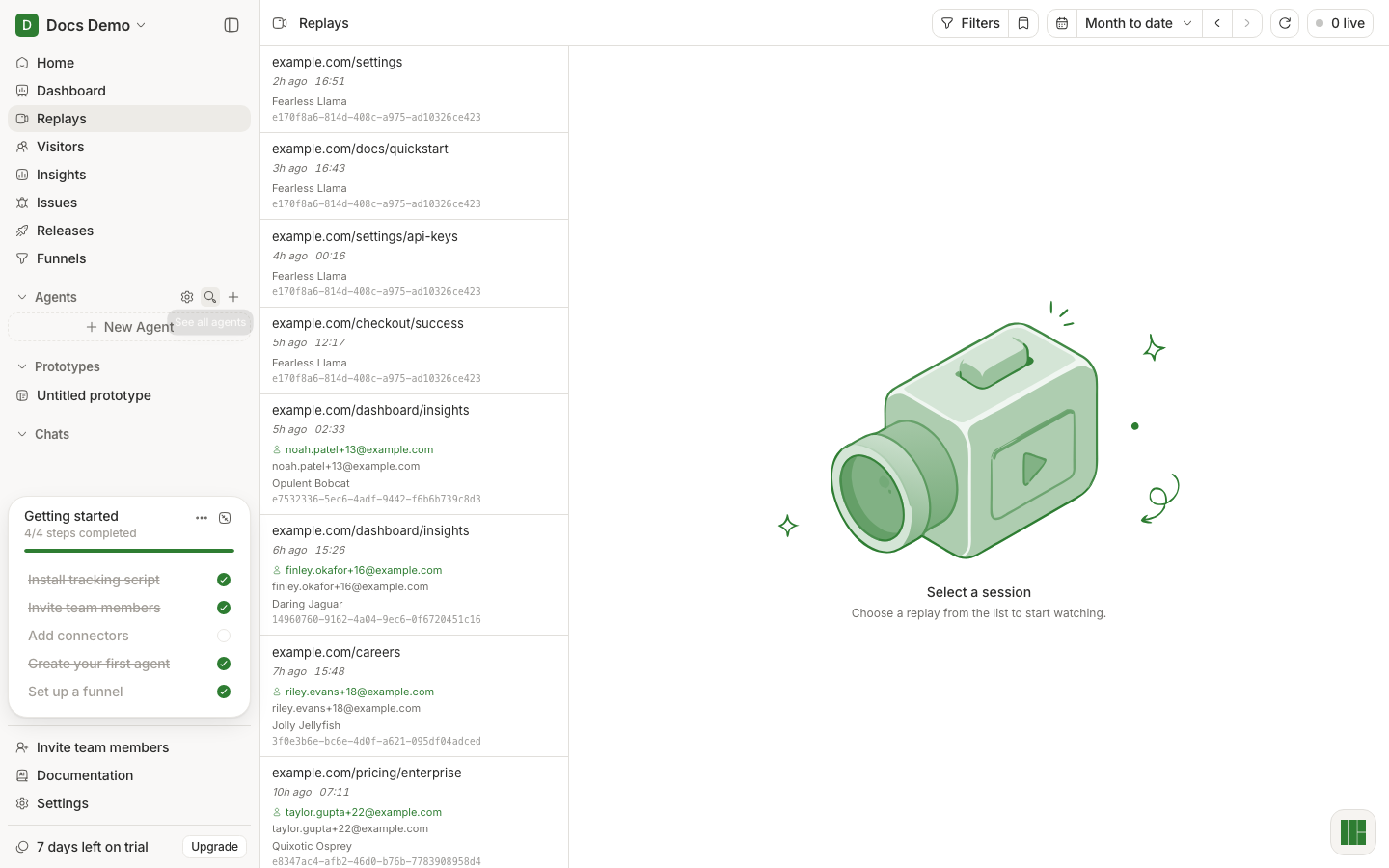
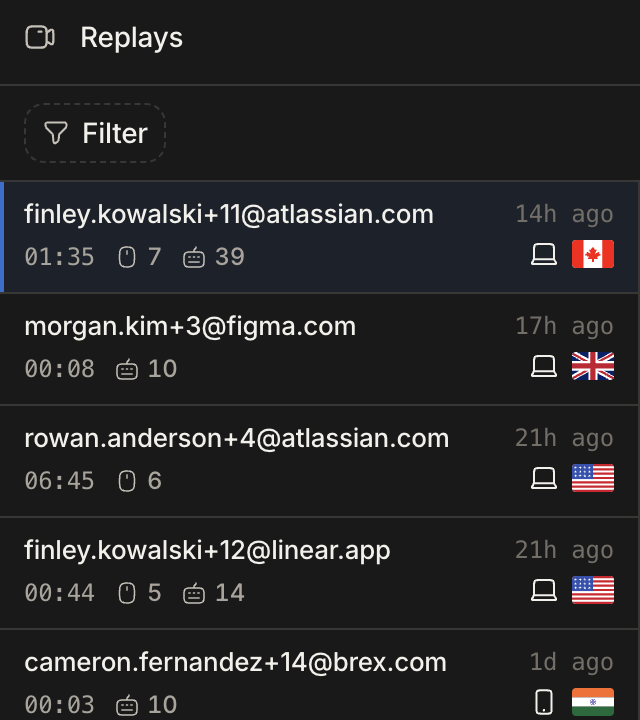
Find the session worth watching
The list is newest-first, and scrolling loads more. Watching sessions at random is a bad use of an afternoon, so narrow first — by page, by event, by identified user, by date range. The date range is the same one Dashboard uses, so you can arrive already scoped to the window where something changed.
Sessions still being recorded are grouped under their own heading above the rest, so a live session is never buried under yesterday's.
The fastest route is usually not this page at all: open a replay from the issue that broke, or from the person in Visitors, and you skip the search entirely.
Read the activity panel, not just the picture
Beside the player, the session's own record: the events that fired, console output, and network requests, aligned to the position of the playhead. The picture tells you what happened; this tells you why. When a replay looks like the user "just left", the answer is usually a failed request sitting right there at that timestamp.
Where to go next
- The person behind the session → Visitors
- The error you just watched happen → Issues
- Redesign the screen you just watched someone struggle with → Prototypes