Visitors
Everyone who used your product, and everything one person did.
Every visitor starts anonymous. The moment your app calls identifyUser, that
row becomes a person with a name — and keeps the history it built before you
knew who they were.
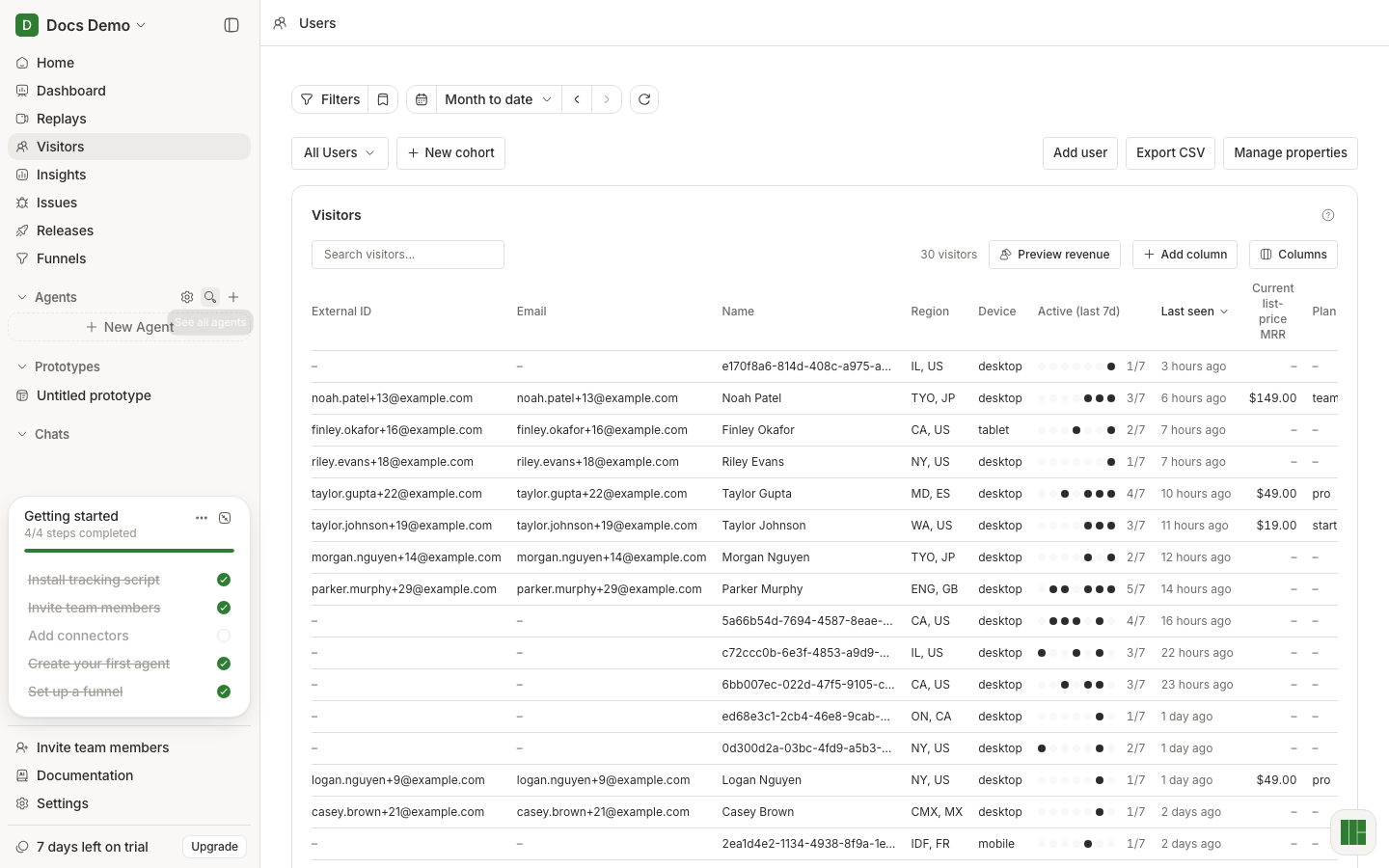
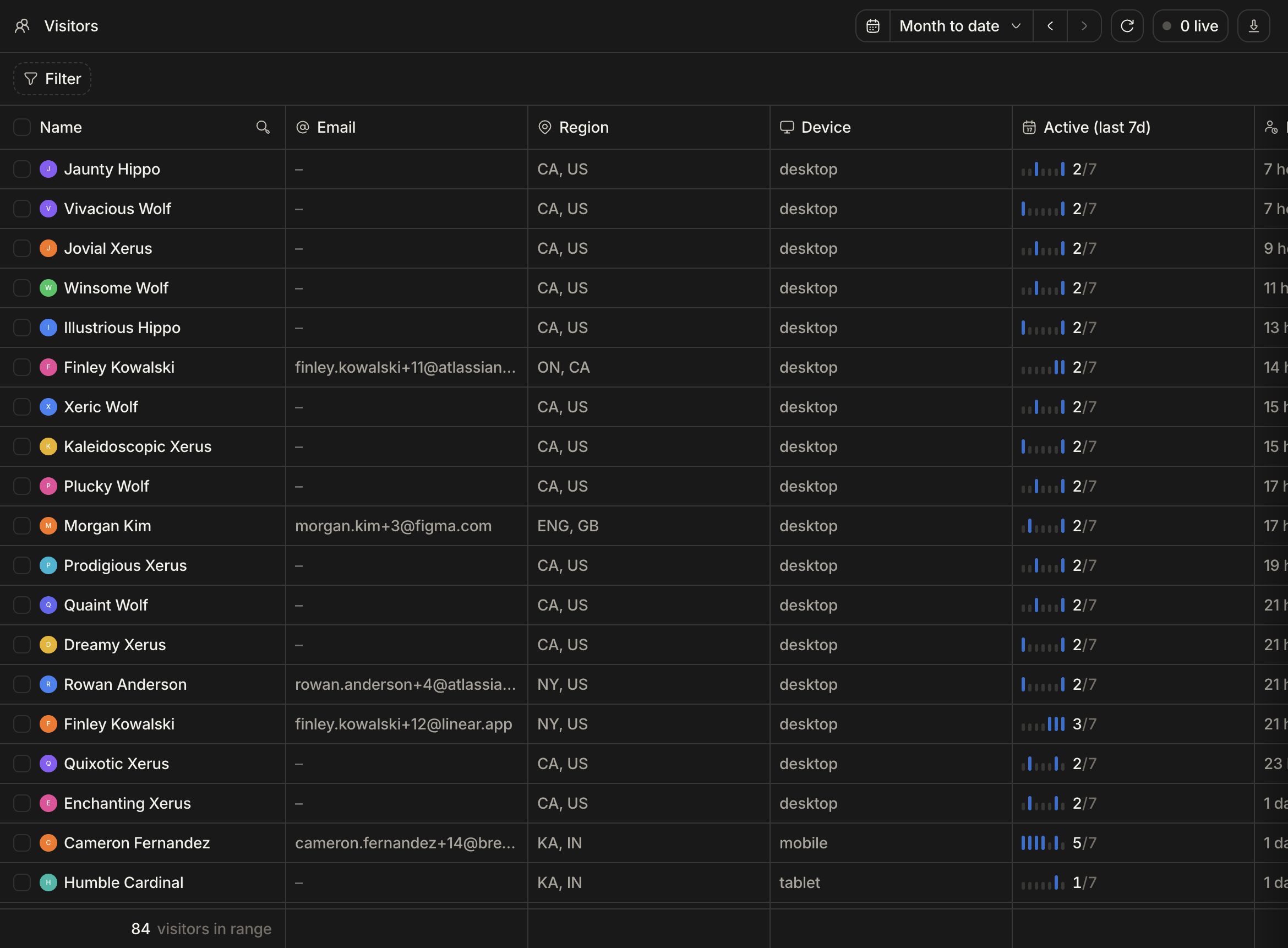
From a list to one person
The table is for finding someone; the detail view is for understanding them. Open a row and you get that person's history — the sessions they ran, the events they fired, the errors they hit — in order.
This is the view to open when support forwards a complaint. Instead of asking the customer what they clicked, read what they clicked, then watch it.
Properties are what make it searchable
Anything you pass to identifyUser becomes an attribute on the person: plan,
company, role, signup date. Those attributes are what turn "a user complained"
into "every user on the trial plan hits this", which is a different and much more
useful sentence.
Send the properties you will want to filter by later. Adding one now costs a line of code; adding it after the incident costs the incident. See Identify.
One person, many devices
Identify links a browser to a person. Someone who uses your product on a laptop and a phone shows up as one person with sessions from both, as long as both sessions called identify.
Call logout() on sign-out. Without it, the next person to use that browser is
merged into the account that just left.