Install
Get the recorder into your app. One CLI command, or one provider you place yourself.
Two rules decide whether an install works, and they are the same in every framework: the key has to reach the browser, and the recorder has to start in client code.
The wizard does it for you
npx @humanbehavior/wizard@latestIt detects your framework, writes the key into the right env file with the right public prefix, and places the initializer in the right file. If it finishes cleanly, skip to Verify.
Or place it yourself
Install the package:
npm install humanbehavior-jsThen start the recorder once, in client code. Pick your framework:
Naming the environment variable
Your bundler only exposes variables that carry its own public prefix. Use the
one your framework expects, or the key will be undefined at runtime:
| Framework | Variable |
|---|---|
| Next.js | NEXT_PUBLIC_HUMANBEHAVIOR_API_KEY |
| Vite (React, Vue, Svelte) | VITE_HUMANBEHAVIOR_API_KEY |
| Nuxt | NUXT_PUBLIC_HUMANBEHAVIOR_API_KEY |
| Angular | NG_APP_HUMANBEHAVIOR_API_KEY |
| Astro, SvelteKit | PUBLIC_HUMANBEHAVIOR_API_KEY |
| Gatsby | GATSBY_HUMANBEHAVIOR_API_KEY |
| Create React App | REACT_APP_HUMANBEHAVIOR_API_KEY |
Where to find your key
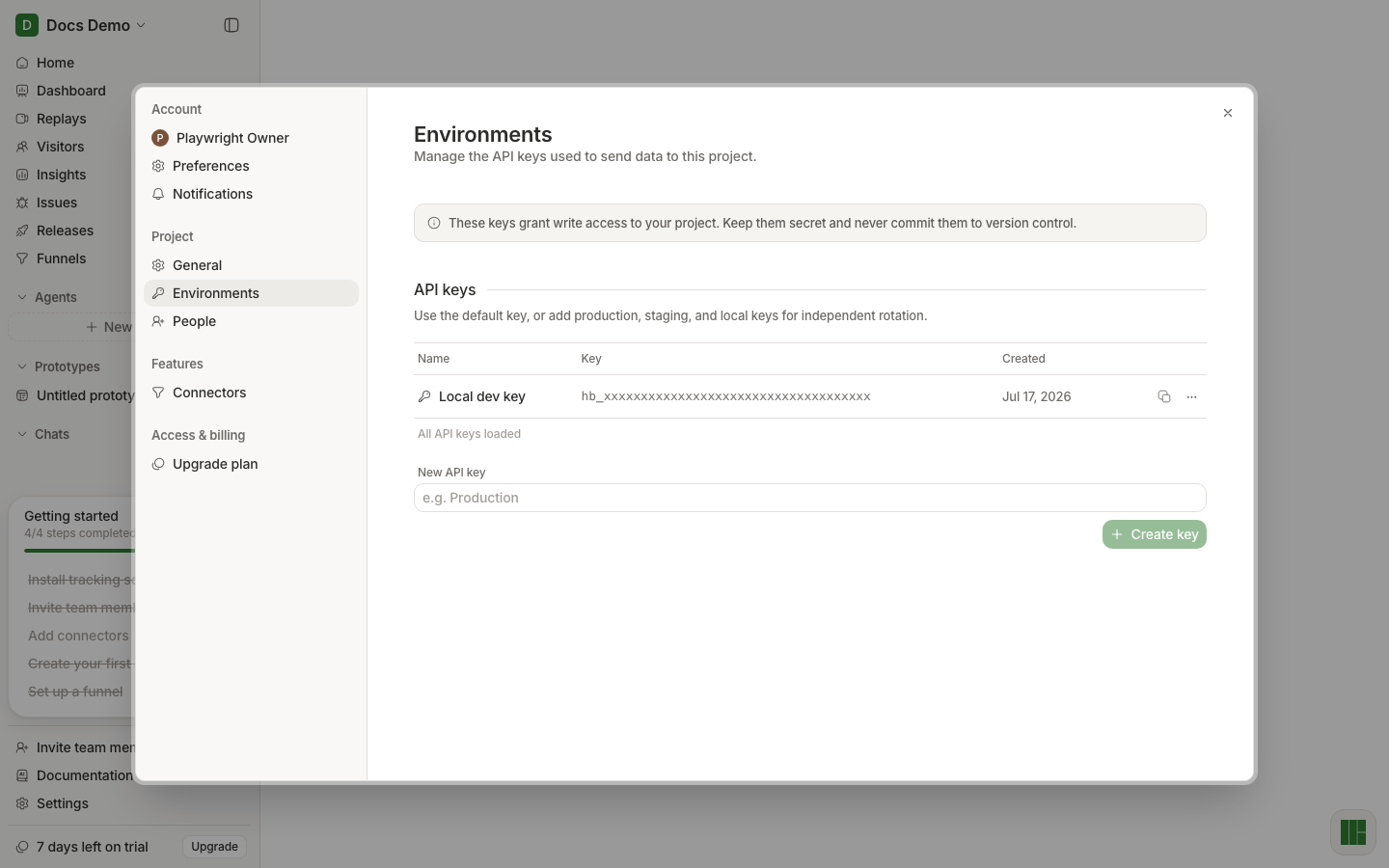
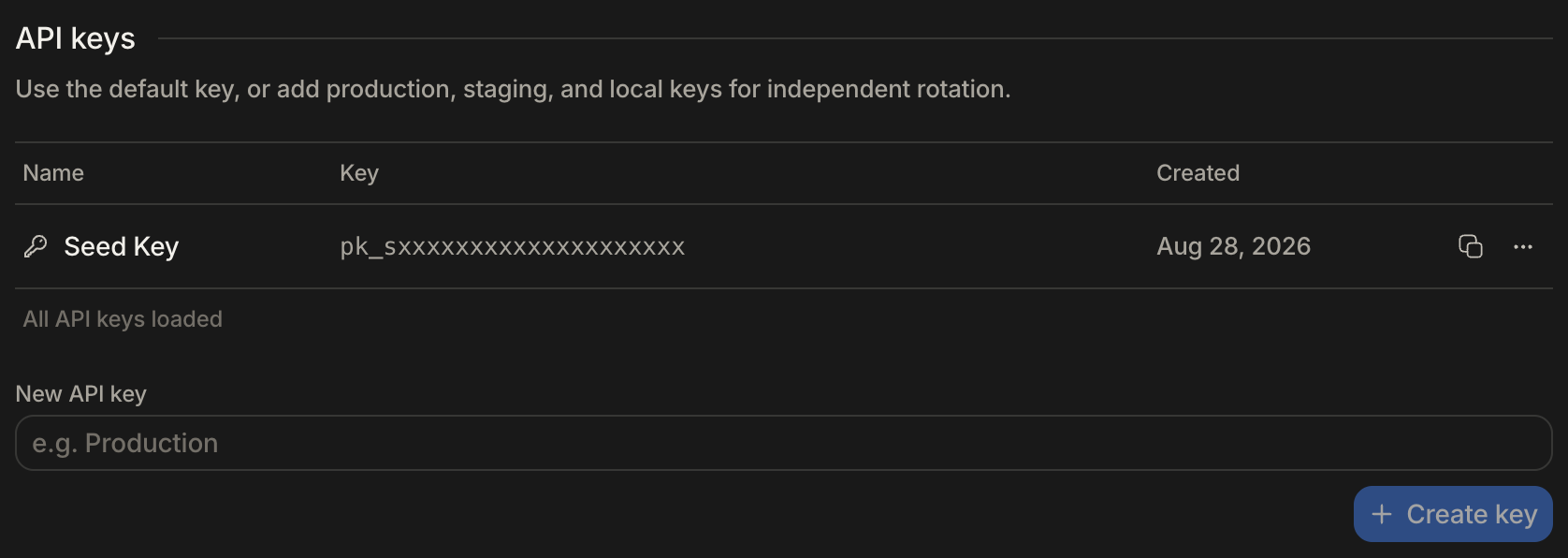
In the app, open Settings → Environments. Copy an existing key from its row, or name a new one and create it. Separate keys per environment let you rotate one without touching the others.