Runs & chats
Agent home page: composer, Recent chats, Memory, Automations, Untitled titles, Upcoming run, and how threads relate to Home.
Route
/projects/:id/agents/[agentId]
Optional: ?c=<conversationId> opens a conversation. Starting a real thread from the agent page is promoted into Home chat (/home?c=…) so the conversation lives in the shared Chats list — the agent page remains the agent’s home base for identity, memory, and recent activity.
The page module itself renders through the agents layout’s persistent AgentBuilderView (keyed by agent id) so switching agents does not flash a loading skeleton when cached.
What you see on agent home (empty composer)
- Avatar + name (fallback Untitled agent if name empty)
- Info control — tooltips Show description / Hide description; body shows description or italic No description
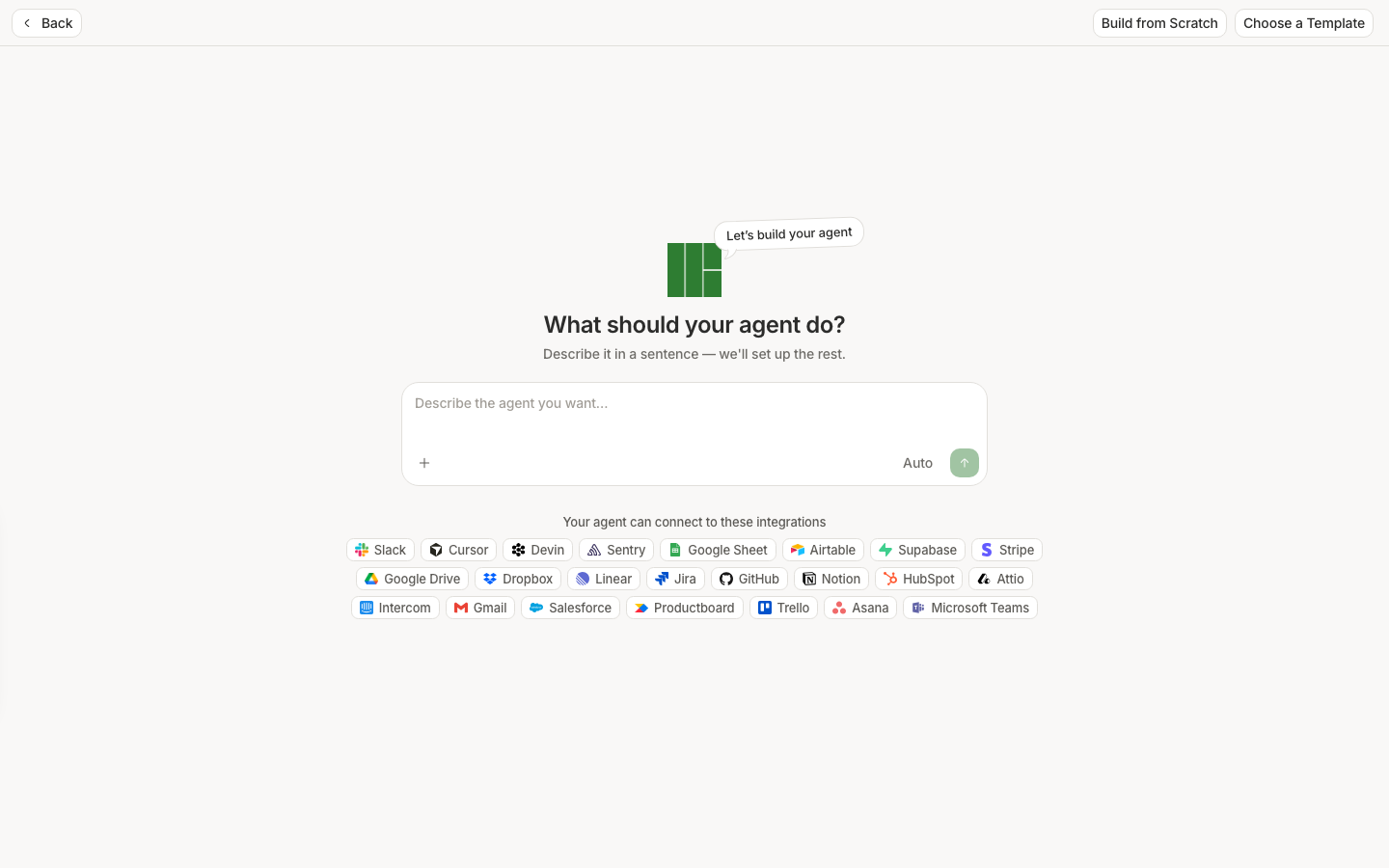
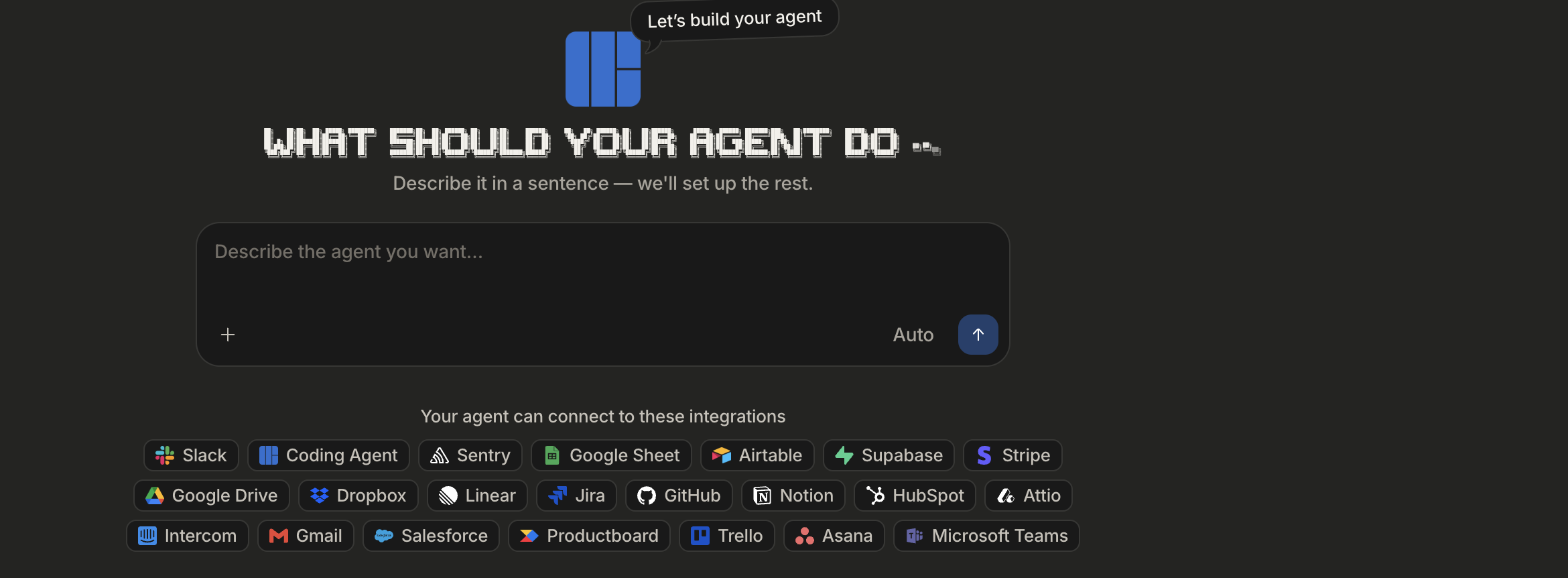
- Composer — chat with this agent’s tools/instructions (same chat stack as Home, pinned to this agent)
- Tabs:
- Recent chats
- Memory
Top bar (when not in pure conversation chrome) includes agent identity, Automations / Automations (paused), and overflow actions as offered. Built-in system agents hide delete/destructive flows that would break the product.
Recent chats tab
Lists conversations for this agent only.
| UI | Meaning |
|---|---|
| Loading | Loading recent chats… |
| Empty | No activity yet · Conversation and automation runs will show up here. |
| Row title | Conversation title, or Untitled while titlePending |
| Failed run | Red-dot tooltip Failed |
| Channel logos | Slack / email / WhatsApp / SMS when the thread used that delivery path |
| Actions | Hover Rename / Delete (same pattern as Manage list) |
| Upcoming run | Pinned non-clickable row when an unpaused cron schedule has a next occurrence (“in 2h” / absolute date per preferences). Event triggers do not produce this row. |
Opening a row navigates to that conversation (typically Home with ?c=).
Memory tab
AgentMemorySection — manage agent-scoped memory directives / files for operators with permission. Daily Report seeds binding directives on creation (editable afterward). See Daily report.
Automations
Automations opens the schedule / event-trigger modal for this agent (cron rows, timezone, pause, event triggers). Counts feed the button’s numbered icon. Saving schedules from the modal persists immediately for existing agents.
Chat chrome while a thread is open
When a conversation is active, header patterns match Home:
- New chat
- History dropdown
- Delete
Use New chat to return to the empty agent composer.
How this differs from Home
| Home | Agent page |
|---|---|
| Project-general chat; pick any agent/tools for a turn | Scoped to one saved agent’s instructions + toolboxes |
| Chats list is global | Recent chats is filtered to this agentId |
| Best for ad-hoc questions | Best for recurring jobs, schedules, channel delivery, and reviewing what this agent did |
Beginner gotchas
- Titles often show Untitled until the model titles the thread.
- Daily Report conversations stay hidden from sidebar Chats until you Expand in Chat on the Dashboard card.
- Disabled agents do not count schedules toward Upcoming run.
- Only owners can change instructions / connectors; members may still be able to chat depending on project rules.