Settings
Keys, environments, teammates, connections, and billing.
Settings opens as a panel over whatever you were looking at. Most of it you touch once during setup; two parts you come back to.
Environments and API keys
The part you will actually revisit. Each environment holds its own ingestion key, so production, staging, and local traffic stay separate and you can rotate one without breaking the others.
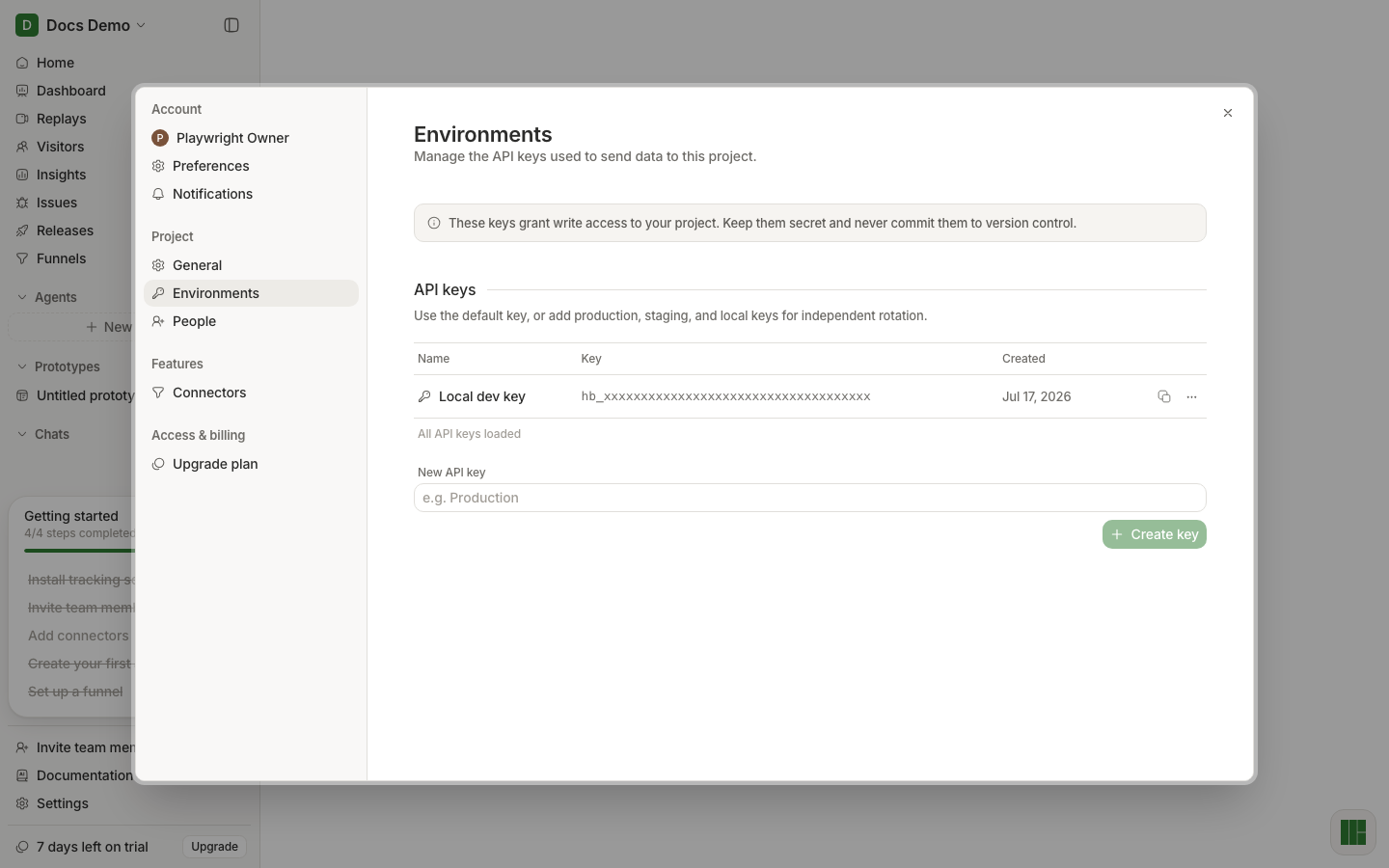
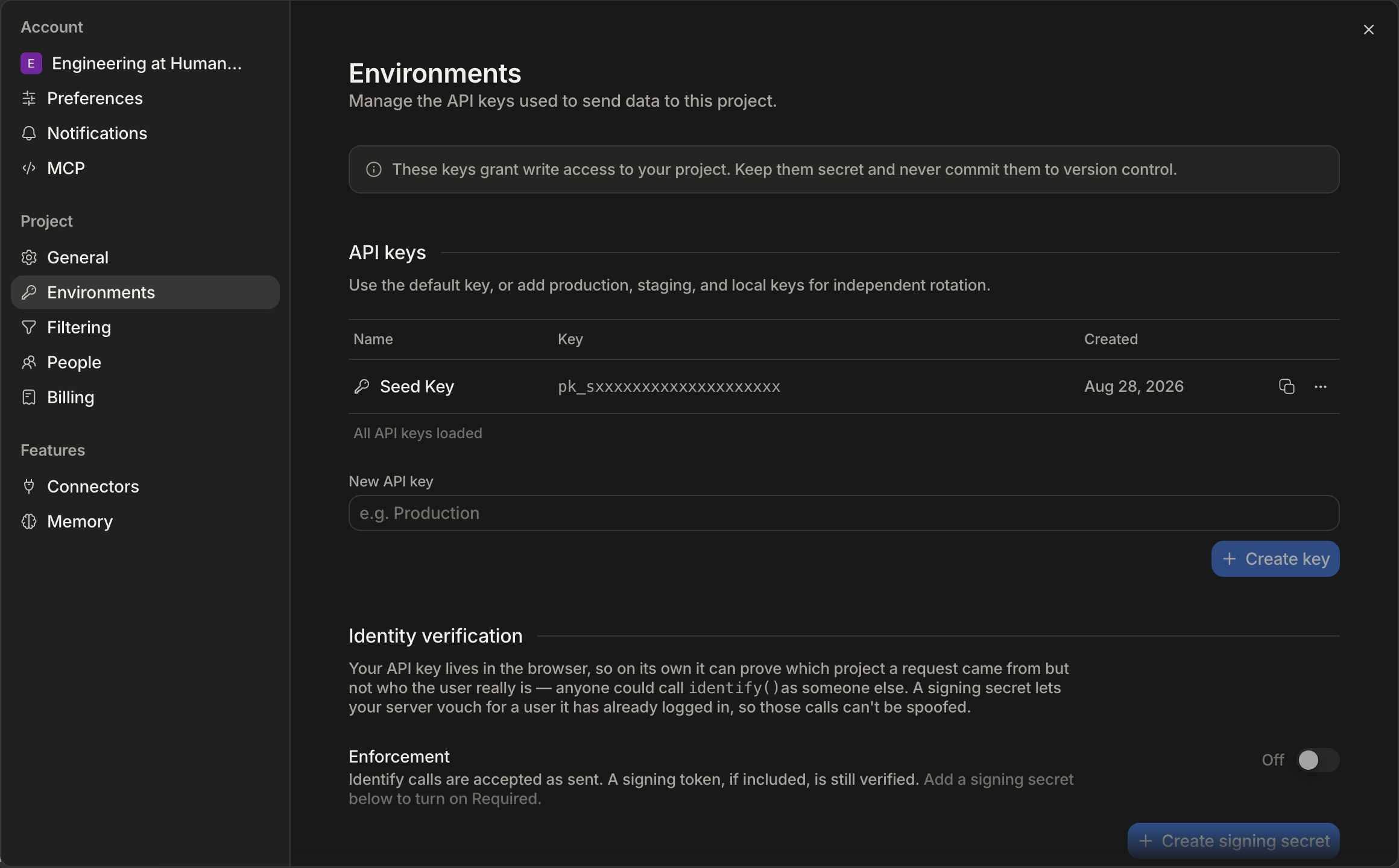
Keys are safe to ship to the browser — that is what they are for. See Install.
People
Membership is per project. Invite the people who need this project rather than granting blanket access, and remove them here when they leave.
Connectors
Where an agent gets permission to reach outside Human Behavior — the messaging and tracker integrations an agent can post to. Connect it once here and every agent can use it.
Everything else
| Section | What it holds |
|---|---|
| Profile | Your name, picture, and signed-in devices |
| Preferences | Your own display choices for this project |
| Notifications | What Human Behavior emails or messages you about |
| General | Project name, URL, and reporting currency |
| Filtering | Rules that exclude traffic you do not want counted |
| Memory | What agents are allowed to remember between runs |
| MCP | Connecting an editor or external agent — see MCP |
| Billing | Plan and invoices |