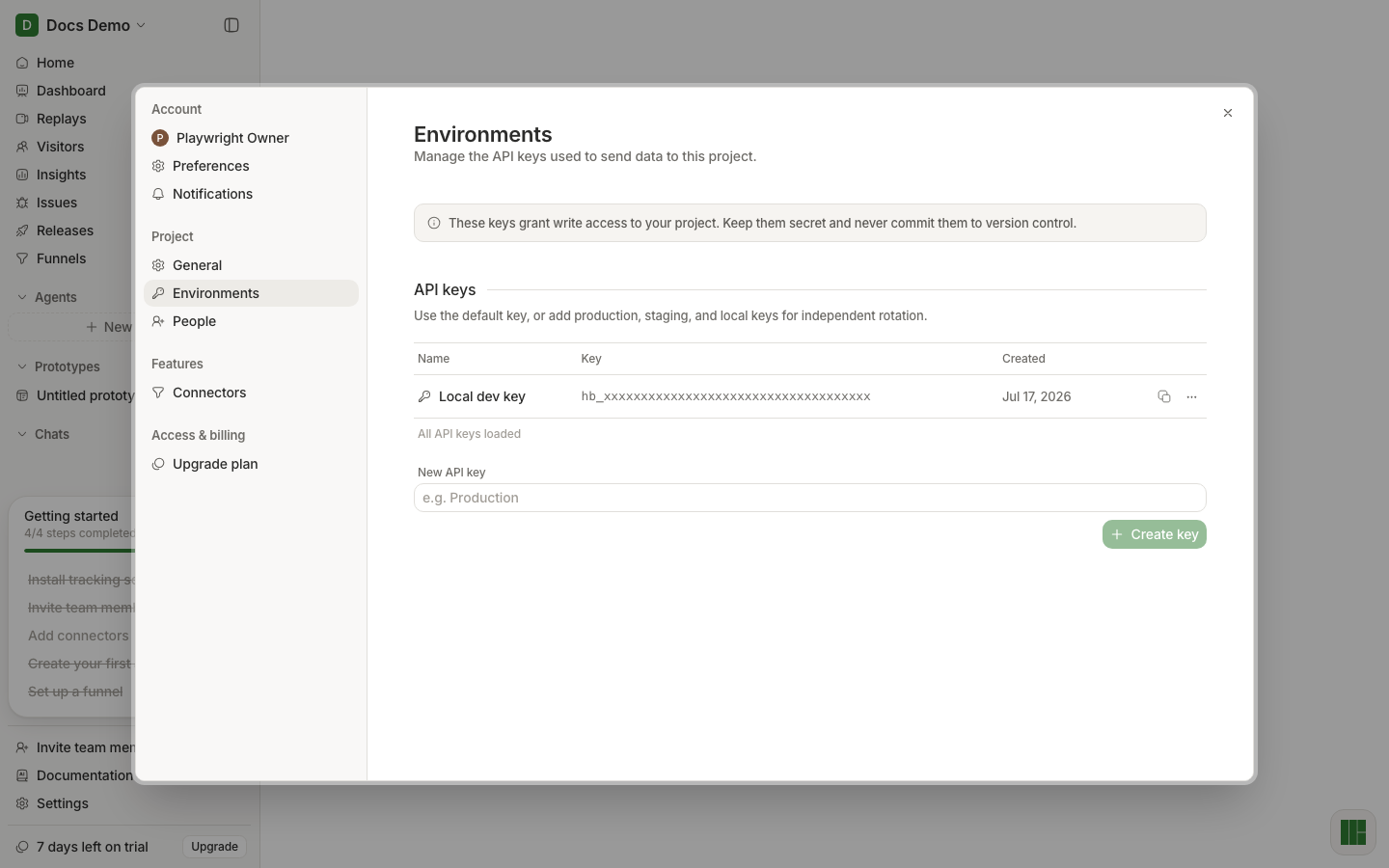
Environments & API keys
Create, view, copy, rename, rotate, and delete project API keys — every control.
Panel
Sidebar: Project → Environments
Header: Environments — Manage the API keys used to send data to this project.
Banner: These keys grant write access to your project. Keep them secret and never commit them to version control.
Section heading: API keys
Helper: Use the default key, or add production, staging, and local keys for independent rotation.
Table states
| State | Copy |
|---|---|
| Loading | Loading API keys… |
| Error | Error message from the API |
| Empty | No API keys yet. Create one below to start sending data. |
| Loaded | Rows + footer All API keys loaded |
Columns
| Column | Content |
|---|---|
| Name | Key label (with key icon) |
| Key | Masked by default (hb_ + x’s, or first 4 chars + x’s) |
| Created | Locale date (e.g. Jun 17, 2026) or - |
| Actions | Copy button + ⋯ menu |
Create a key
| Control | Behavior |
|---|---|
| New API key field | Placeholder e.g. Production; Enter submits |
| Create key / Creating… | Enabled when name non-empty → POST /api/projects/:id/api-keys |
Per-key actions
Copy button copies the full secret to the clipboard.
Overflow menu (⋯):
| Item | Behavior |
|---|---|
| View key / Hide key | Reveal or mask the secret in the row |
| Change name | Inline rename; Enter/blur saves (PATCH with { name }); Escape cancels |
| Rotate key / Rotating... | PATCH without body → new secret, same row |
| Delete key / Deleting... | DELETE; disabled when this is the only key |
Practice
- Prefer separate keys for local vs production.
- Put keys in env vars — see Create project.
- Rotate immediately if a key leaks.